 That Vibe Coder
There is a small file that lets a brand-new AI chat pick up your project exactly where the last one ended. Your AI writes it for you. You paste it into a fresh chat and it keeps going like nothing happened.
You can teach Claude or ChatGPT to do this in about two minutes. Every chat has a memory limit, so at some point the AI forgets the early parts of your conversation. This is how you get past that for good.
The Summary Trick
The simplest version works right now, with no setup at all. When a chat is almost out of memory, you ask it to summarize the whole conversation, then paste that summary into a new chat.
Here is the whole move:
- Ask for the summary - "Based on our conversation, create a summary so a new chat can understand it clearly"
- Paste it into a fresh chat - the new one starts with context instead of a blank slate
- Keep working - no long re-explaining at the top
It works. If you do nothing else in this post, do that. The catch is you end up typing that same request over and over, and the quality depends on how you happen to word it each time.
Make It A Command
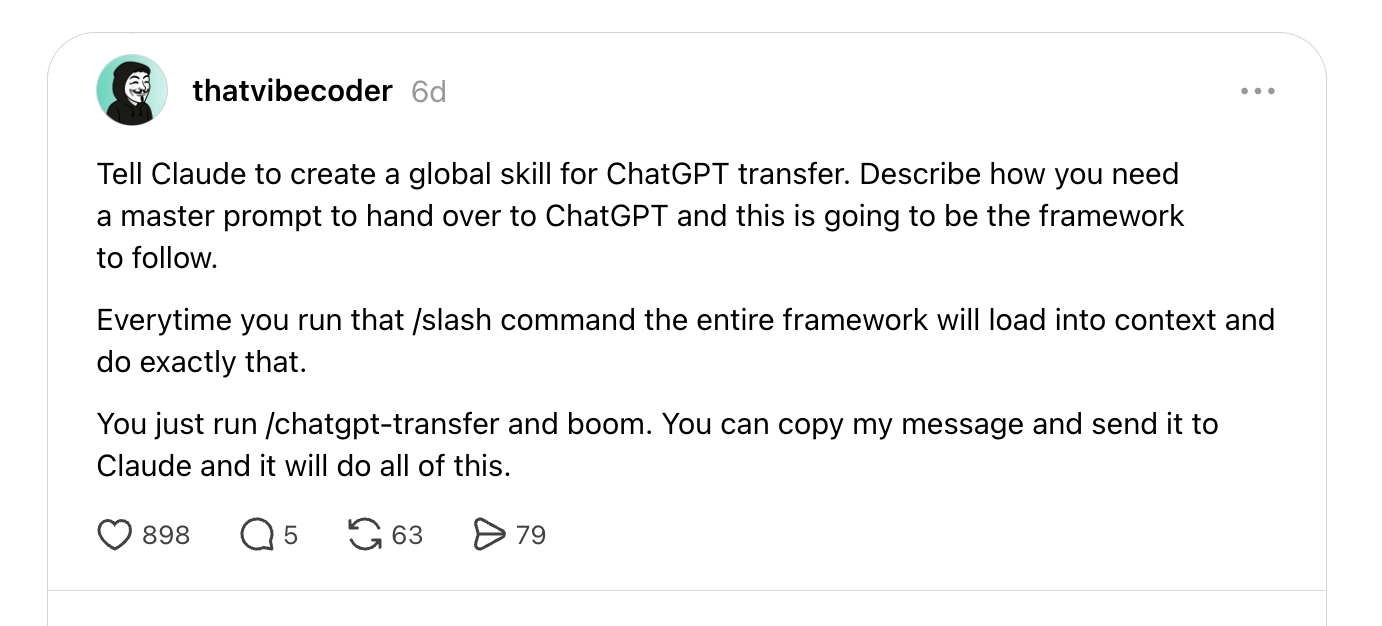
The better move is to stop typing that request by hand and turn it into a command your AI already knows. In Claude that is a skill. You describe the job once and it runs the same way every time.
You tell Claude something like this:
"Create a reusable command called claude-transfer using the handoff framework below. Whenever I run it, write one master prompt that hands this whole project off to another AI, following the same framework every time."
- You describe the job once - that single message is the whole setup
- You run it at the end of a long chat - the handoff comes out complete every time, not dependent on your wording
- You paste the result into the new chat - it picks up right where you left off
This is the same skills idea from a few issues back. Build the workflow once, it runs forever.
The Handoff File
What that command actually writes is a handoff file: a short briefing document your AI creates about your own project, so the next chat can read it and continue.
Here is how I know it holds up. My computer crashed last night halfway through building this exact newsletter, and the Claude session went down with it, along with every tool it was connected to. I opened a fresh session, handed it the handoff file, and it finished the issue you are reading right now. Zero re-explaining.
Most handoffs fail because people write them like summaries. That one difference is the whole game:
| A Summary | A Handoff | |
|---|---|---|
| Tells the new chat | What already happened | What to do next |
| Points to your tools | No | Yes - Obsidian, Notion, GitHub |
| New chat has to guess | Often | No, it just goes |
| Reusable | You retype it | Runs as a command |
Mine tells the new chat where my notes live in Obsidian, which Notion page runs the project, and where the site code sits on GitHub. The new chat does not dig around. It just goes.
Try This Week
This one is easy, because the hard part is already built for you. Download the Handoff Framework, paste it into Claude or ChatGPT, and it builds your personal handoff command around how you actually work.
It is a skill builder, so it interviews you first instead of handing you a generic template:
- It asks how you work - what you are building, where your knowledge lives, what a new chat should read first
- It builds the skill for you - your own handoff command, set up and ready to run
- You run it at the end of any long chat - the next one picks up exactly where you left off
→ Get the Handoff Framework (free)
If you build yours and want a second set of eyes on it, that is exactly what The Vibe Stack is for. It is my community where I share the AI and Notion systems I actually run, and you can ask a real person when something does not click.