 That Vibe Coder
Vercel got hacked. Axios got hit a few weeks before that. Someone else the month before. If you run any kind of business with a website, even a small one, this touches you. Do not panic. Spend ten minutes this week and you will be far safer than you are right now. Most of this you can hand to whoever runs your site.
What Happened
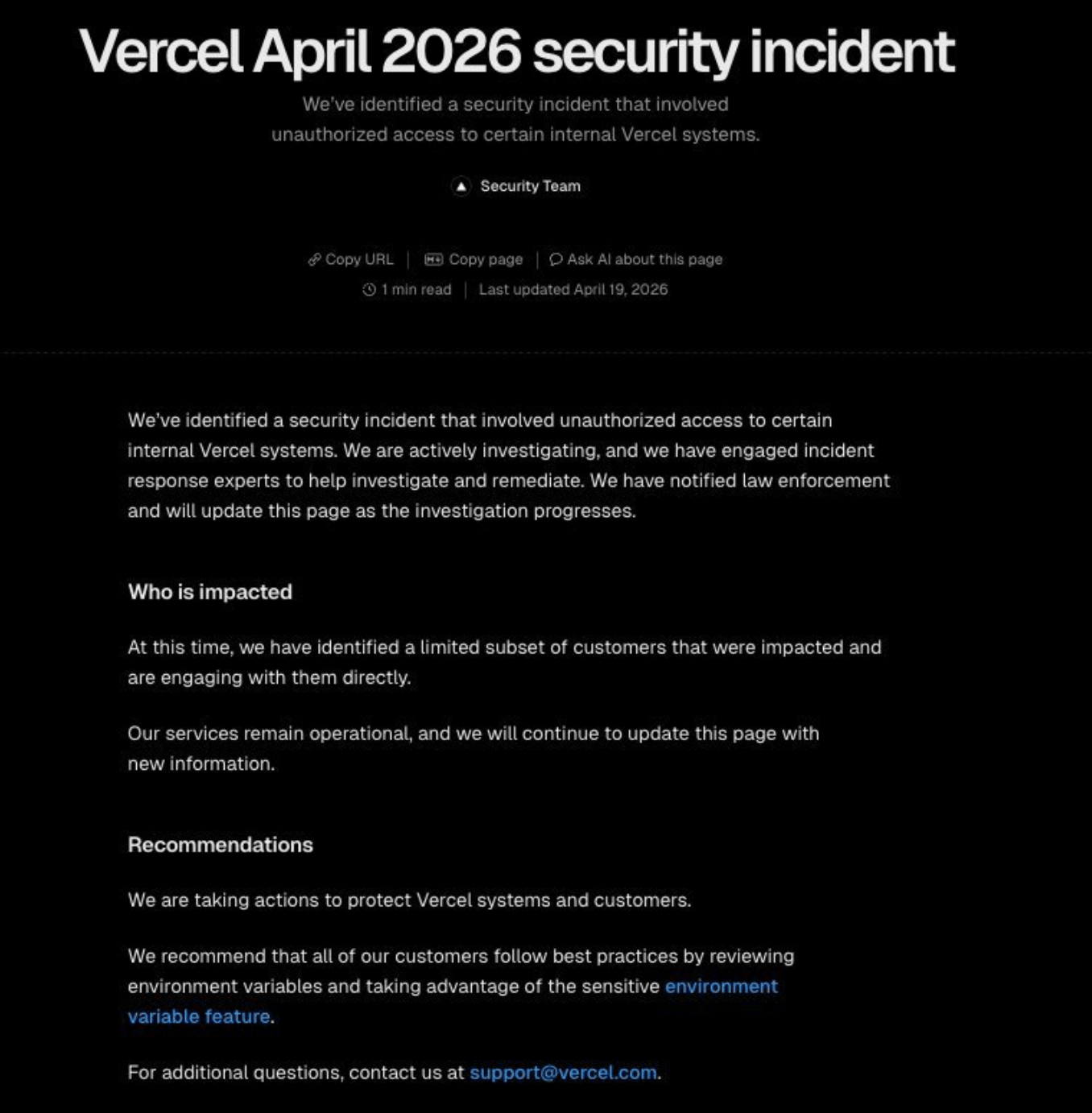
Vercel is one of the largest developer hosting platforms out there, the company behind the framework a huge slice of the web runs on. That is exactly the point. A professional, well funded company got breached anyway.
Vercel said someone got into their internal systems. Axios saw the same kind of thing a few weeks earlier. You do not need to know what either company does to take the lesson.
This is not a you did something wrong problem. It is a this is the world we live in problem. Even the big players get hacked. The real question is whether you are set up to bounce back when it happens.
- Big companies get breached too - this is not a reflection on you or your setup
- Recovery beats prevention panic - what matters is how fast you can lock things down after
Why It Spreads
A host getting breached sounds like their problem, not yours. The reason it ripples outward is that these platforms sit at the center of how a lot of the web gets built and shipped.
When a host with package access gets in trouble, the damage does not stay contained. One bad push can travel downstream into everyone who depends on it.
- Shared infrastructure - these platforms host and ship code for huge chunks of the web
- Downstream reach - one bad update can flow into every site that pulls from them
Your Business Risk
Most of your site probably runs fine on its own. The exposure shows up where your website talks to other tools, and that happens through what are called keys and environment variables.
A key is basically a password your website uses to connect to another service. If your site was built on custom code and connected to a host like Vercel, you likely have a few of these in play:
- Sign up forms - the connection that captures new contacts
- Newsletters - the link between your site and your email tool
- Buy buttons and payment links - the line to your checkout
- Blog posts - anything pulling content from a connected service
If one of those keys leaks in a hack, the wrong person could do real damage with it. Here is what that looks like in plain terms.
| Connection | If the key leaks |
|---|---|
| Sign up forms | Someone reads your contact data |
| Payment links | Someone charges your customers |
| Newsletter | Someone sends emails as you |
| Blog posts | Someone changes what visitors see |
The good news is you can fix this way faster than you think.
Do This Week
Three moves, and none of them are technical. This is basic website hygiene, the kind of thing you do once and then forget about until next time.
- Rotate your keys - if someone else built or runs your site, message them today and have them rotate all of your API keys and environment variables
- Turn on 2FA - add two-factor authentication on every account that touches your business
- Ignore the scare emails - if a "your account may be affected" email lands this week, do not click the link, it is likely spam
That is the whole list. None of it is complicated. It is also not something to wave off, especially when it is your business on the line.
Before You Go
Half the battle is knowing what you even have connected. When everything lives in one place, rotating keys and checking accounts takes minutes instead of a stressful afternoon of digging.
If you do not already track your sites, my Website Manager keeps the essentials in one spot:
- Landing pages - every page you have live
- Domains - what you own and where it points
- Connected tools - the services holding your keys
It is free, and it makes weeks like this a lot less scary. Instead of scrambling, you open one page and you know exactly what to check.